Graphic and Digital Design

Web Interface Design | Graphic and Digital Design

We design user-centered interfaces for corporate websites and applications.

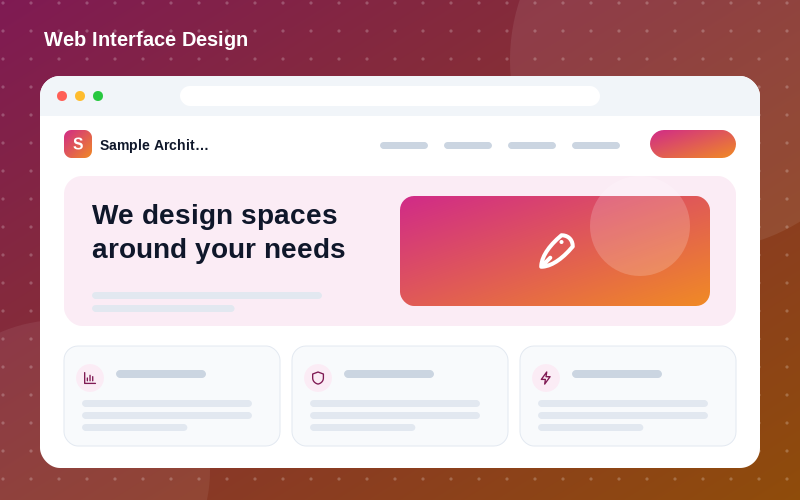
Web Interface Design – image 1
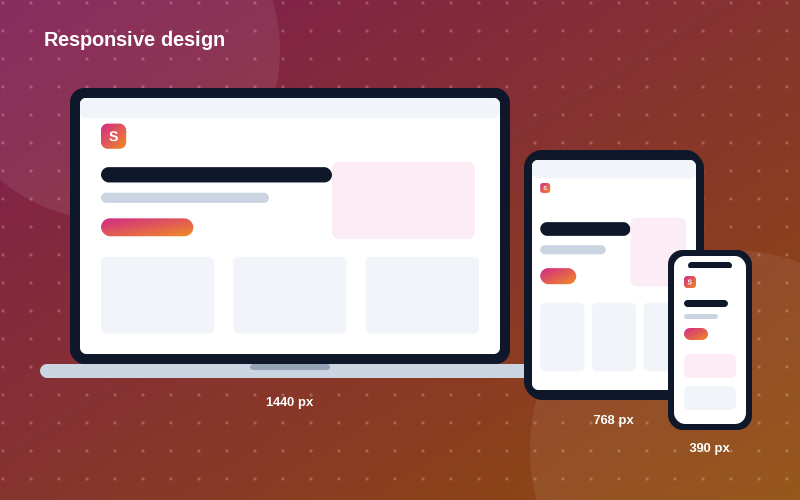
Web Interface Design – image 2

We design user-centred interfaces for corporate websites and business applications. Deliverables are the information architecture, wireframes, high-fidelity screen designs and a design system that the development team can use directly.

Information architecture and wireframing

A good interface starts with setting up content and navigation correctly, before the screens. We compile a page inventory, clarify the menu hierarchy and user journeys, and then use low-fidelity wireframes to show each page's sections and interaction points. The structure is therefore approved before visual decisions are made, which reduces the need for costly restructuring later.

Design system and component library

For an interface to stay consistent as it grows, reusable components are needed. We prepare a design system that defines elements such as colour, typography, spacing, buttons, form fields, tables and alerts together with their states. This library lives in tools such as Figma, maps to the components the development team uses and lets new pages be produced faster under the same rules.

Accessibility and mobile compatibility

A significant share of a corporate site's visitors arrives on a phone, and not everyone sees and hears in the same way. We build designs mobile-first and define breakpoints for screen widths. We observe accessibility principles such as colour contrast, focus indicators, touch target size and readable type sizes in line with the WCAG guidelines; because these checks are made at design stage, they add no cost during development.

What is included?

  • User and content analysis: Design requirements are derived by examining target user groups, their tasks and the content inventory of the existing site.
  • Site map and navigation: Menu structure, page hierarchy, internal linking logic and search behaviour are designed to be simple and consistent.
  • Screen designs: Templates such as the home page, service, product, form and admin panel are drawn in high fidelity for desktop, tablet and phone.
  • Interactive prototype: A clickable prototype shows flows close to real behaviour for user tests or stakeholder presentations.
  • Development handover: Component specifications, dimensions, asset exports and state definitions are passed to the development team in full.

How we work

  1. Discovery

    We examine the existing site or application, user groups and business goals, identify problematic flows and content needs through short stakeholder interviews and put the design scope in writing.

  2. Planning

    We prepare the site map, user flows and wireframes of the page templates, review the structure with you and submit navigation and content placement for approval before moving on to visual design.

  3. Implementation

    We define a visual direction in keeping with your brand language, build the design system and key screens, and gather user feedback on a clickable prototype while running accessibility checks.

  4. Support

    We hand over all screens and components to the development team with annotations, carry out design reviews during implementation and support questions and small adjustments that arise.

What you gain

You get a clear interface in which visitors find what they are looking for quickly, task flows are shorter and your brand looks trustworthy.

Thanks to the design system, new pages and features are added quickly under the same rules, and differences of interpretation between designer and developer are reduced.

A design that is mobile-friendly and observes accessibility principles delivers a consistent experience across different devices and user needs.

Who is it for?

This service suits companies that are renewing a corporate website, planning a new customer portal or an internal application interface, and looking for a consistent design language. It is especially suitable for organizations that have a software team but no design resource, businesses whose existing site is weak on mobile, and IT managers who want to bring screens developed separately by different units into one system.

Frequently Asked Questions

Do you also code the design, or do you deliver only the design?

Both options are possible. We can deliver design only and support your own development team during implementation; if you wish, the BDHA software team can also code the design with technologies such as ASP.NET or React and turn it into a working application. The scope is set in writing at the start, and design and software deliveries are planned as separate items.

Which standards do you consider for accessibility?

In design we follow the principles in the WCAG guidelines: sufficient colour contrast, a focus order that can be navigated by keyboard, a meaningful heading structure, text alternatives and adequate touch targets. These principles are checked at design stage. Formal accessibility conformance also depends on the development and content details of the live site and should therefore be audited separately.

Related services and resources

Quote & demo

Let's evaluate your project together.

Let's start with a short call about QISO demo, ISO consulting, Artificial intelligence feasibility or your custom software needs.

  • QISO demo
  • ISO consulting
  • Artificial intelligence
  • Custom Software